Available now

Smart glasses for your restaurant

New tickets, dishes ready to serve and tables that need attention appear in your staff's line of sight. Hands free, eyes on the guests.

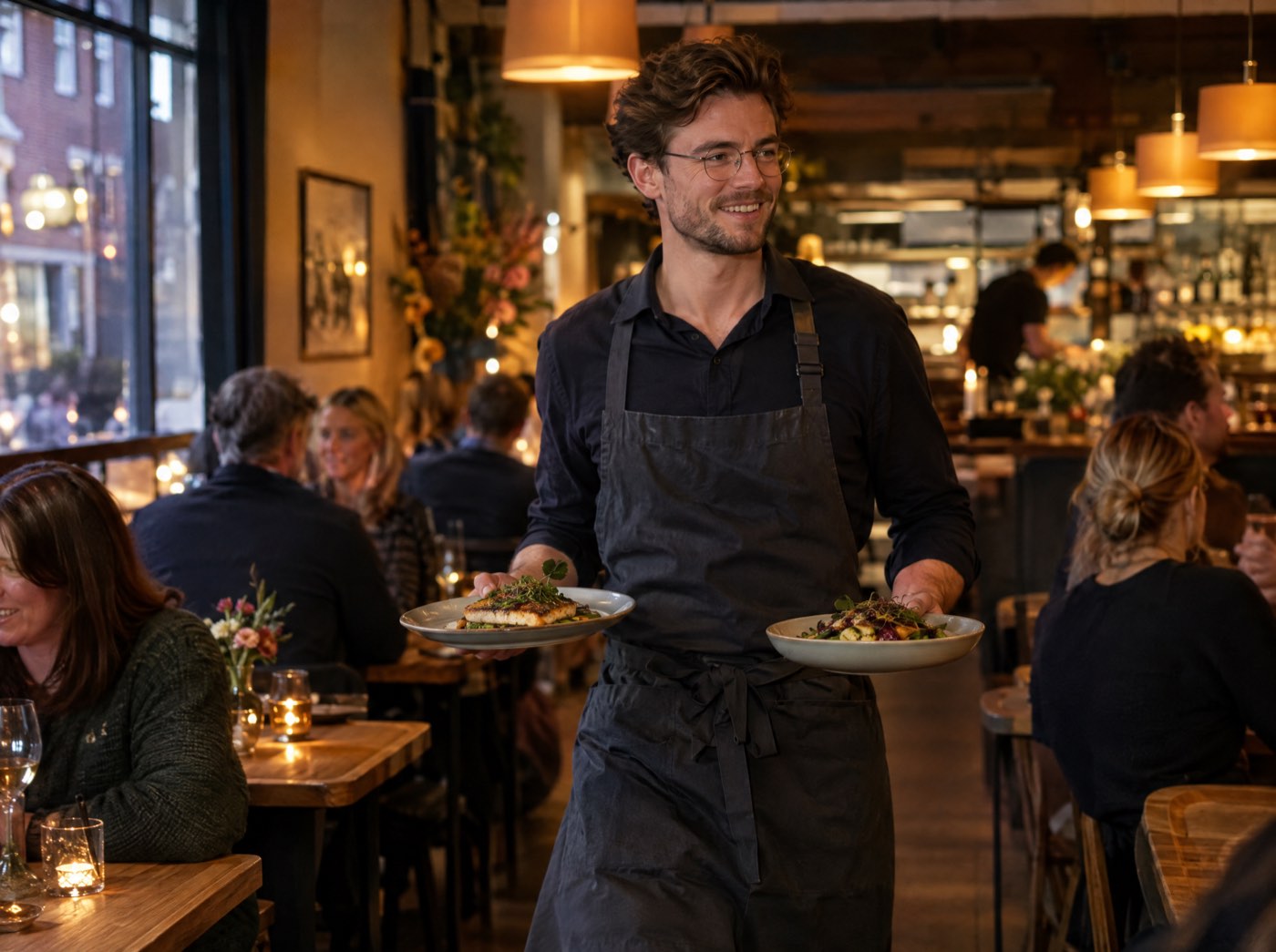
A waiter wearing smart glasses carries two plates through a busy restaurant.

CHECK T12 now● 20:14

  • CHECKT12 ██████████
  • T4 ██████░░░░
  • T7 ███░░░░░░░

Why smart glasses in hospitality?

Your staff look at screens, tickets and the pass all evening. With the glasses, what matters is simply in view.

Eyes on the guests

No more walking back to a screen: the information is in view while you stand at the table.

Hands free

Carrying plates, cooking, pouring. You don't need to hold anything to see what needs doing.

Straight to the glasses

A new ticket or a dish ready to go appears instantly, through the live connection with Conciar.

One system

The glasses use the same data as your till and kitchen display. What happens on the glasses is in the till too.

What your staff see on the glasses

Each team member picks the mode that fits their job. Below is the screen on the glasses for each mode.

Kitchen

NEW T12: 2x Burger● 19:30

  • NEWT20 14m Caesar, Calamari +1
  • COOKT10 9m 2x Fish & chips
  • NEWT12 0m 2x Burger

Kitchen station

Your station's tickets, like a kitchen display. A new ticket flashes at the top. Per dish you move the status from new to cooking to ready.
BATCH 5 open● 19:42

  • DONE████████ 6x Fries
  • NEW23x Kroket 6m basket 8
  • COOK█████ 6x Kipcorn

Batch cooking

For a takeaway rush: open dishes added up across all orders, so you fry one basket for several orders. A bar shows how long it has been in.

PACK 3 ready · 2 cooking● 19:42

  • PACK#160 9m Kipcorn, Fries, Cola
  • 2/3#163 4m Smash burger, 2x Fries
  • 1/2#165 2m Kipcorn, Fries

Packing

For whoever bags takeaway orders: which orders are complete, which still wait on the kitchen, and handing over in one move.

Front of house

HOLD to serve: 1x Fries● 20:05

  • RUNT12 3m 2x Burger, Fries
  • RUNT4 1m S2 Anna 1x Ribeye
  • RUNT9 0m CENTER 1x Nachos

Food runner

Dishes the kitchen marked ready, per table and oldest first. When a table ordered per seat, the seat and the guest's name are shown.

CHECK T12 now● 20:14

  • CHECKT12 ██████████
  • T4 ██████░░░░
  • T7 ███░░░░░░░

Table attention

Each table has a bar that fills up until it's time to check in. Tables that are due sit on top; tap once you've been there.

T12 4 guests 52m€ 86

  • Course 2: 1 cooking · 1 ready to run
  • NOTEBirthday, dessert with candle
  • S2Anna 1x Ribeye · no nuts

Table brief

Pick a table and see the number of guests, how long they've been seated, the bill, notes, each course's progress and dishes with requests or allergies.

Management

APPROVE? T4 15% off · Sam● 21:02

  • T4 15% off €12,30
  • APPROVE
  • DECLINE

Approvals

A team member asks for a discount on the till; the manager sees the request on the glasses and approves or declines it without walking to the till.

The screens above recreate the real screens in the app. On the glasses the text is in English, in green letters.

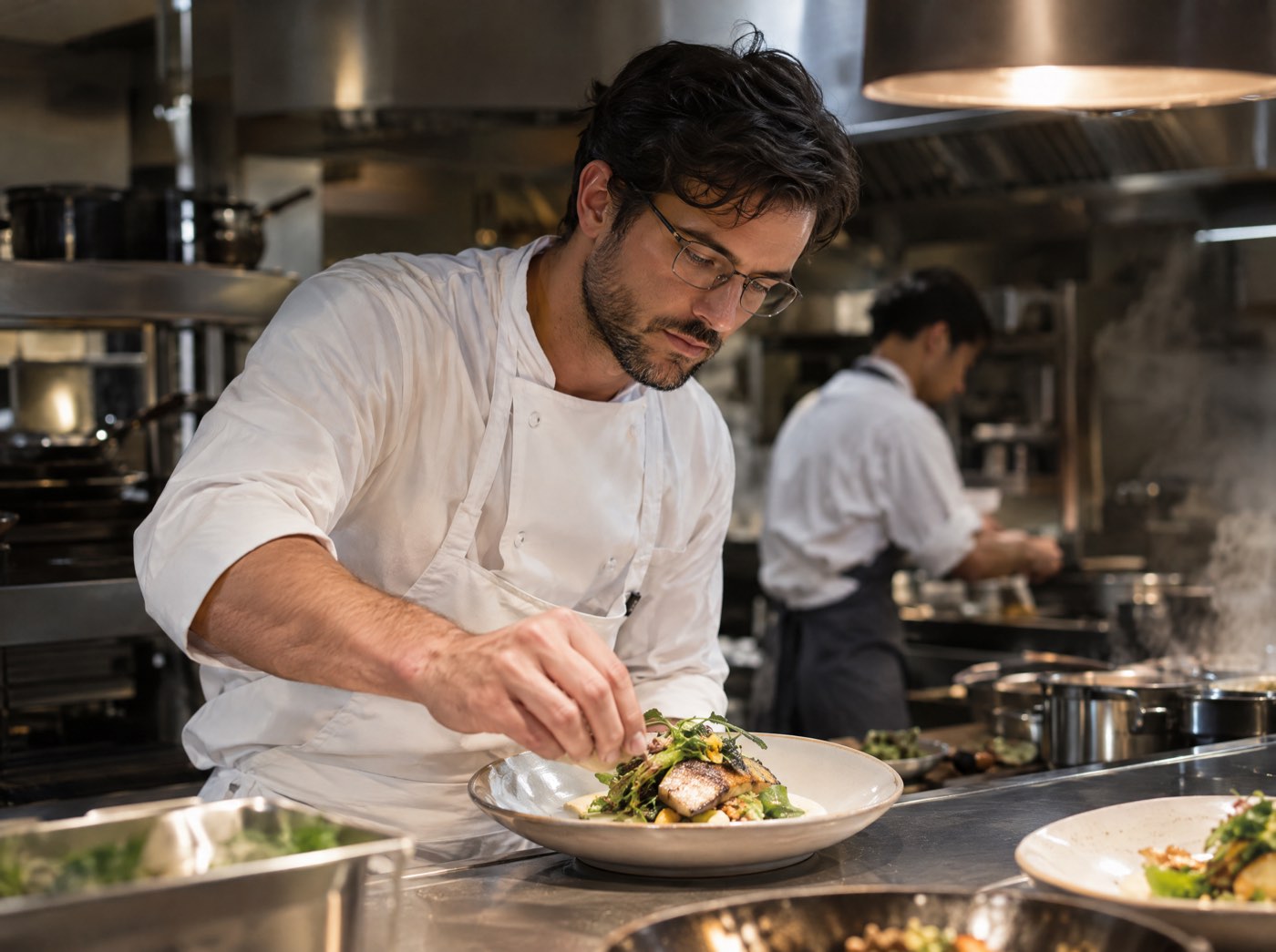
A chef wearing smart glasses plates a dish at the pass.

Controls that don't slip up in a rush

You control the glasses by tapping the temple. That way a temple brushed by accident changes nothing.

  • Tap picksA tap picks a dish. The top line says what will happen, for example "HOLD to serve: 1x Fries".
  • Hold confirmsOnly holding makes it happen. A tap alone never changes anything.
  • Double tapGo back, or open the menu to switch modes.
  • UndoAfter a change, an undo row stays for 60 seconds.

How to switch it on

You need the Conciar till, an Even Realities G2 and the Even app on your phone.

  1. 1

    Pick your modes

    In my.conciar, switch modes on under Settings → Restaurant → Smart glasses, or pick a preset: table service or takeaway counter.

  2. 2

    Pair the glasses

    A manager creates a pairing code with a QR code (valid for 10 minutes). Scan it in the Conciar app on the glasses.

  3. 3

    Pick your job

    Double tap on the glasses and pick your mode, for example Kitchen · Grill or Table attention · Terrace.

  4. 4

    Get to work

    Everything arrives live. If the connection drops for a moment, the glasses fetch new data by themselves.

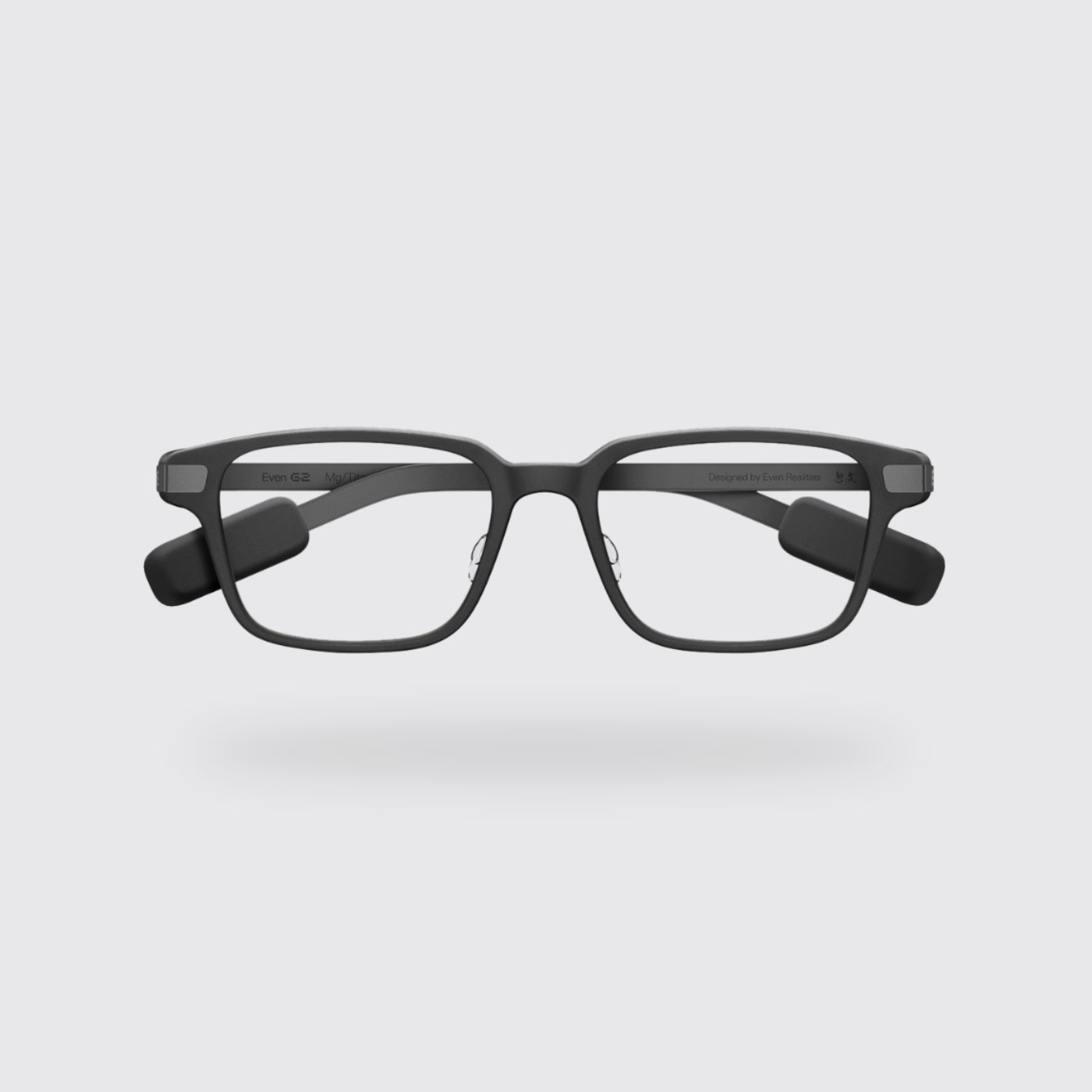
The Even Realities G2 smart glasses.

On the Even Realities G2

Conciar works with the Even Realities G2: glasses that look like normal glasses, with a small display in the lens.

  • €699 per pair through Conciar (excl. VAT). Prescription lenses are ordered separately from Even Realities.
  • No camera and no speakers: guests aren't filmed.
  • Available with prescription lenses from −12 to +12 (ordered from Even Realities).
  • About two days of battery according to Even Realities, with a charging case.
  • The Conciar app runs through the Even app on your phone; the glasses are the display.

Frequently asked questions

Which glasses do I need?

The Even Realities G2. The Conciar glasses app runs through the Even app on your phone.

Do the glasses have a camera?

No. The Even Realities G2 has no camera and no speakers, so guests aren't filmed.

Can I get them with prescription lenses?

Yes. Even Realities supplies prescription lenses from −12 to +12, ordered with the glasses.

Do I need a phone?

Yes. The app runs in the Even app on the wearer's phone, and the glasses show the screen.

What if the connection drops?

New tickets arrive live. If the live connection drops, the glasses fetch new data every 20 seconds and catch up as soon as it is back.

Can I try it first?

Yes. The app has a demo mode with orders that keep coming in, without pairing, so you can judge readability during a service. Book a demo and we'll show you.

Which businesses is it for?

For restaurants, cafés and takeaways using Conciar. Modes for hotels, studios and shops follow later.

See it for yourself

Book a demo and see how your staff work with the glasses.

Book a demo